My Essential Visual Studio Code Shortcuts
The ones I actually use everyday
7/27/2024
| Shortcut | Effect | Notes |
|---|---|---|
| ⌥ + ←/→ | Jump cursor by word | add ⇧ to select |
| ⌘ + ←/→ | Jump cursor to start/end of line | add ⇧ to select |
| ⌘ + ↑/↓ | Jump cursor to start/end of file | add ⇧ to select |
| ⌥ + ↑/↓ | Move line up/down | |
| ⇧ + ⌥ + ↑/↓ | Duplicate line up/down | |
| ⌘ + P | Open file search | |
| ⌘ + ⇧ + P | Open Command Palette | |
| ⌘ + ⇧ + F | Project-wide search | |
| ⌘ + W | Close tab | |
| ⌘ + ⇧ + T | Reopen closed tab | |
| ^ + - | Go back (after ⌥ + click) | 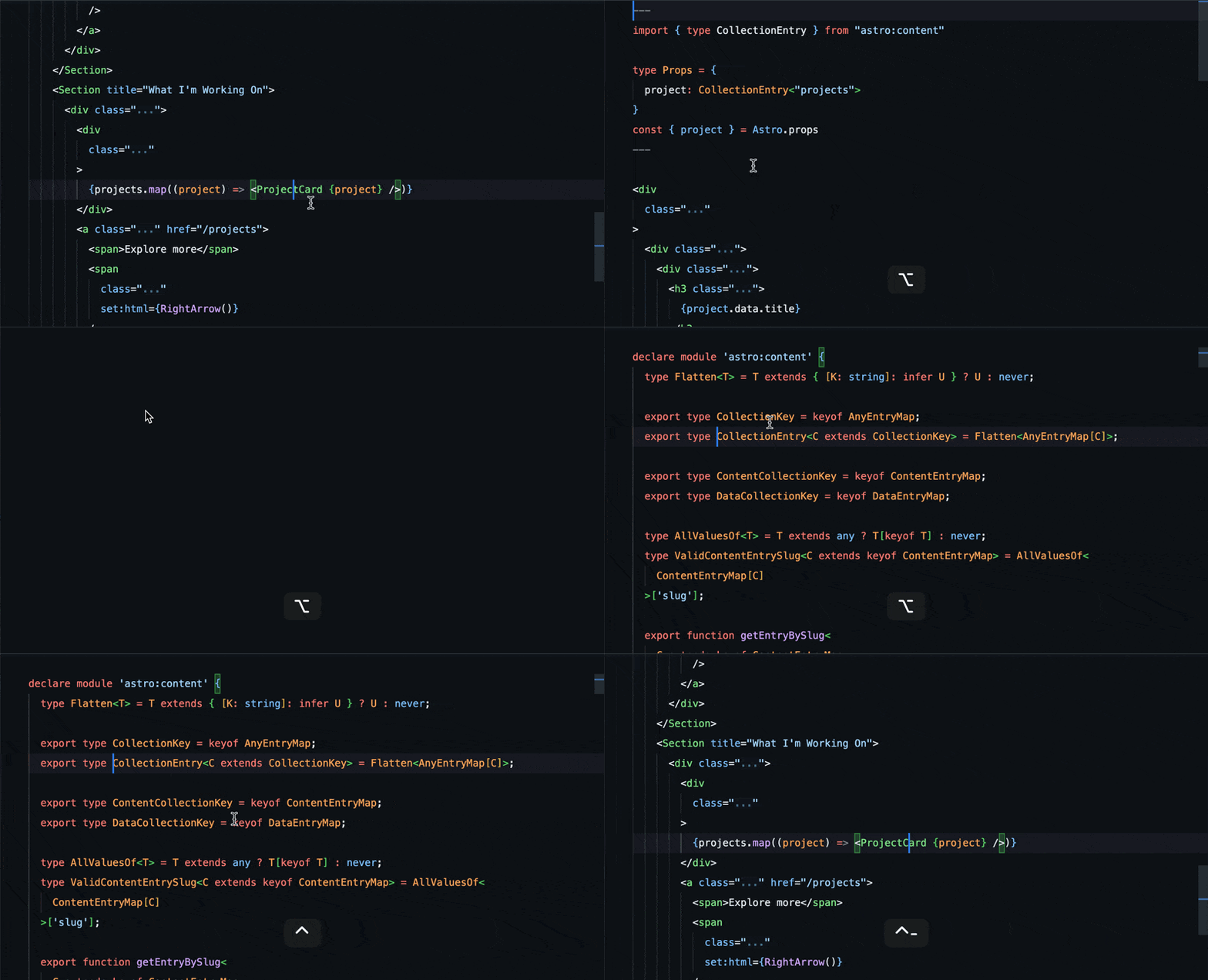 |
| ⌘ + B | Toggle sidebar | |
| ⌘ + ⇧ + E | Focus file explorer | |
| ⌘ + ⌥ + E | Reveal active file in sidebar | not the default |